


Bundle offer
Everything you need to take payments in more places: a year of QwickPAY, Tap to Pay on iPhone, and one free MagTek reader—pick the model that fits how you sell.
$109
QwickPAY for 12 months
$0.10
Per transaction
$0
Choose one below
QwickPAY
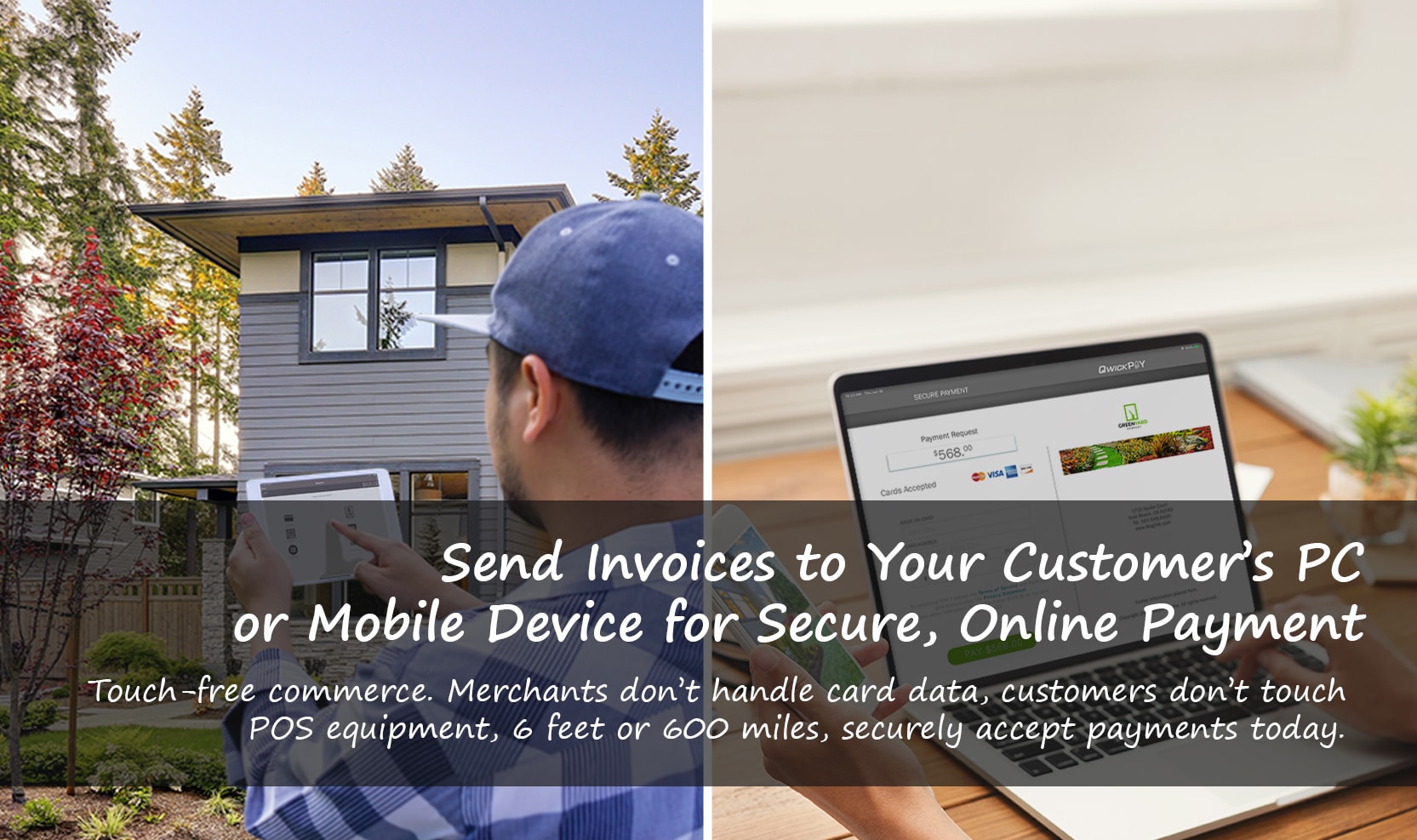
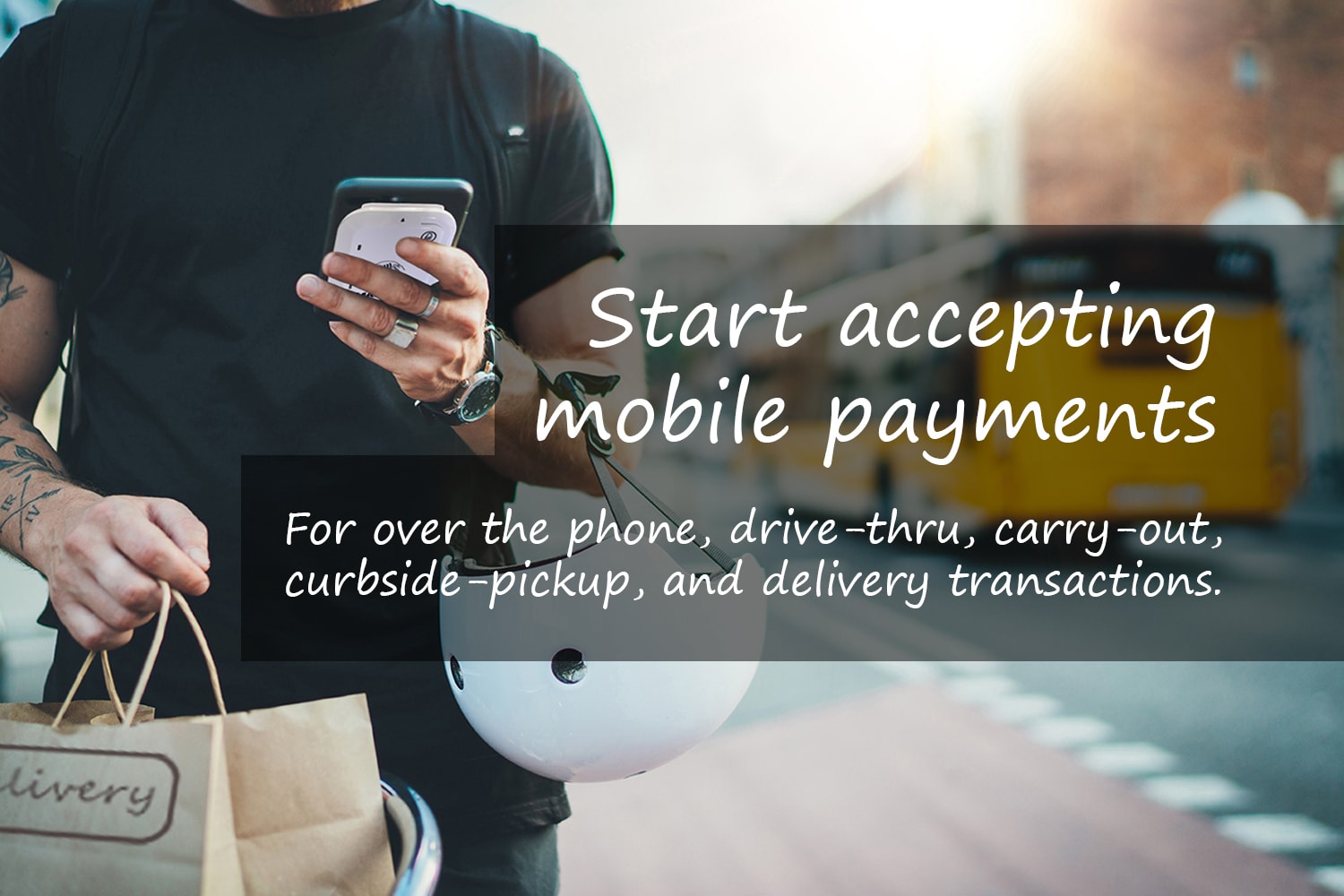
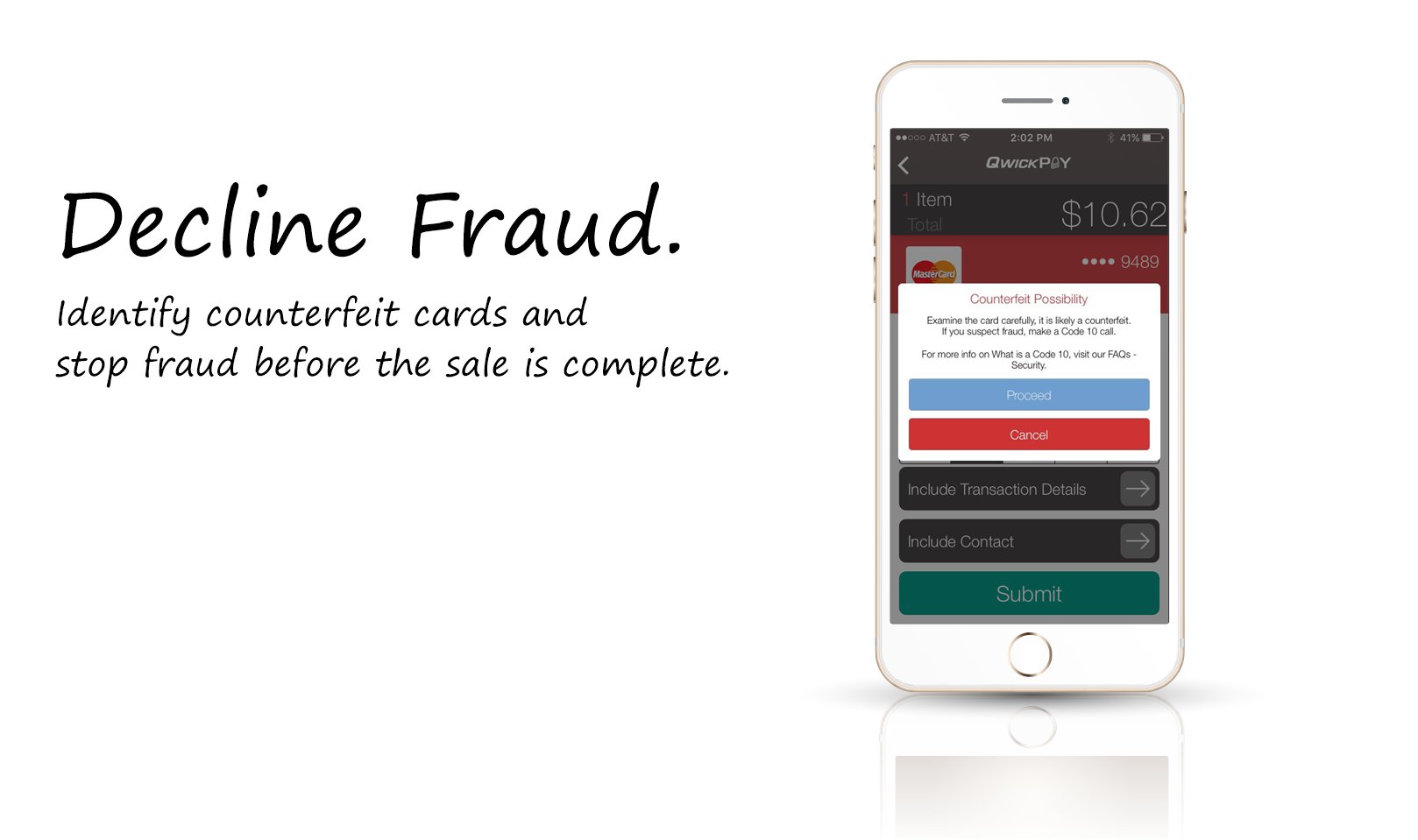
Transform your mobile device into an easy-to-use and highly secure point-of-sale. Encrypt sensitive data at the point of interaction, identify counterfeit cards before authorization, and deliver in-person or remote touch-free invoicing. Merchants can accept card-present and card-not-present transactions anywhere and anytime.



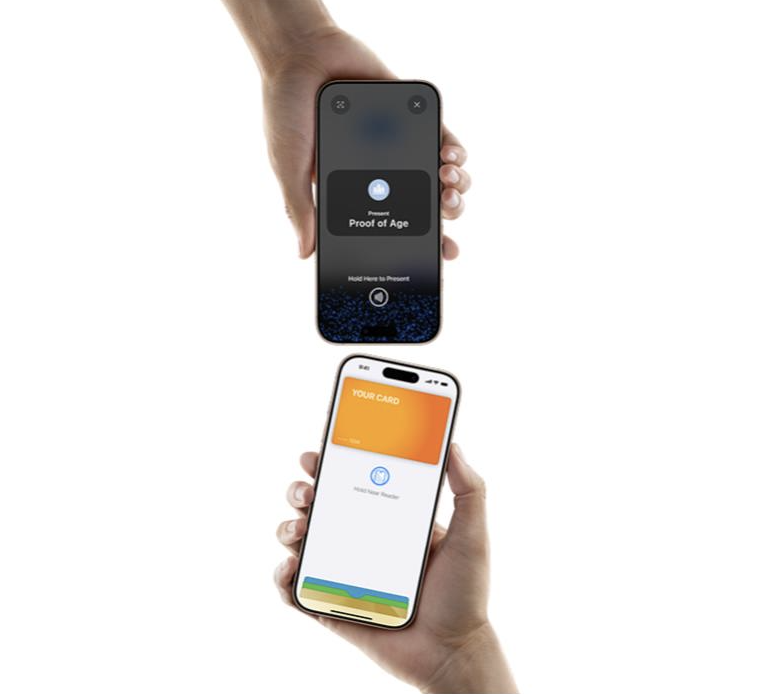
Accept contactless payments right on your iPhone.
Tap to Pay on iPhone is now available with QwickPAY. That means anyone can accept all types of in-person, contactless payments - from physical debit and credit cards to Apple Pay and other digital wallets.
Tap to Pay on iPhone uses the built-in security and privacy features of iPhone to help protect your business and customer data. Apple doesn't store card numbers on Apple servers, so merchants and customers can rest assured that their data stays theirs.*
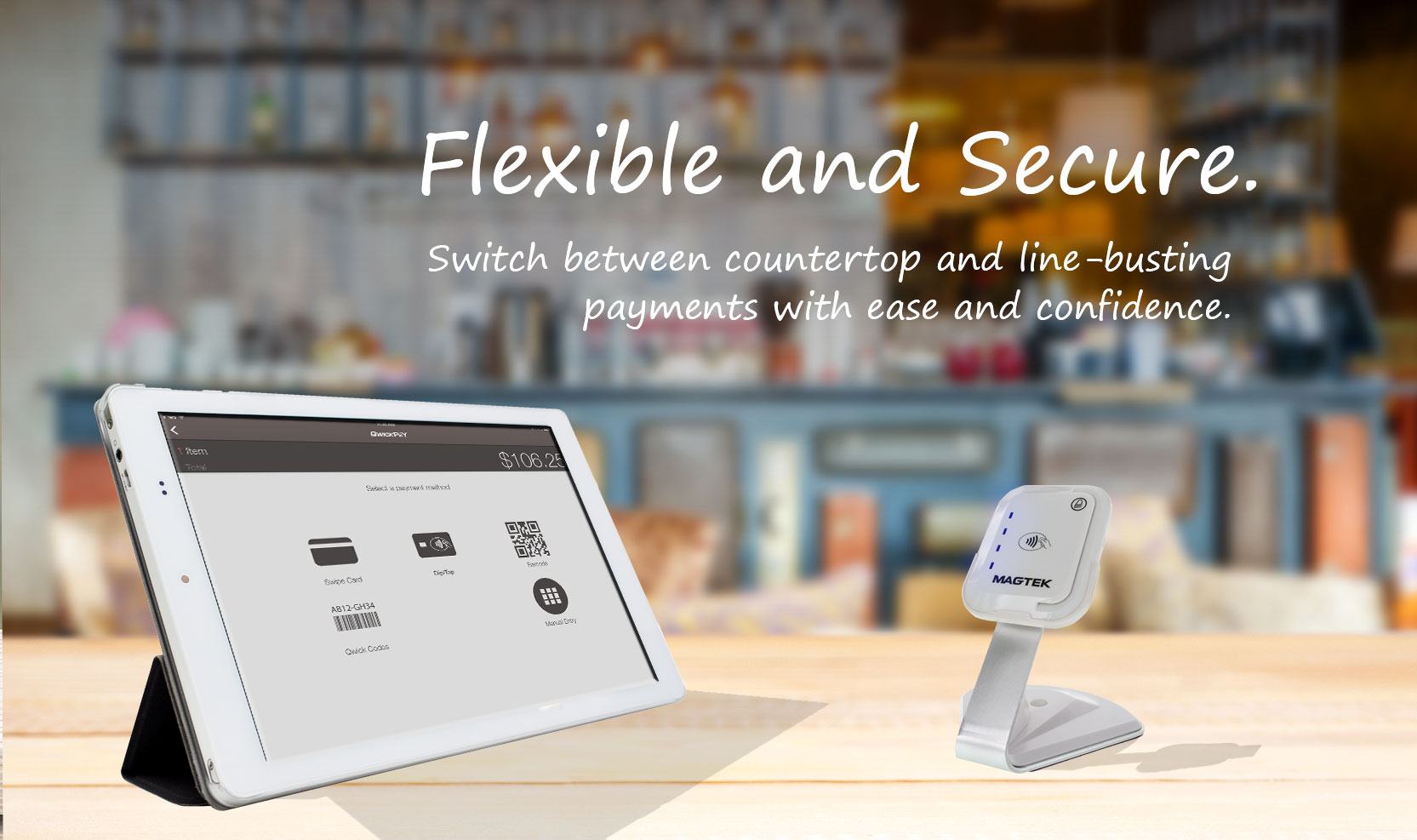
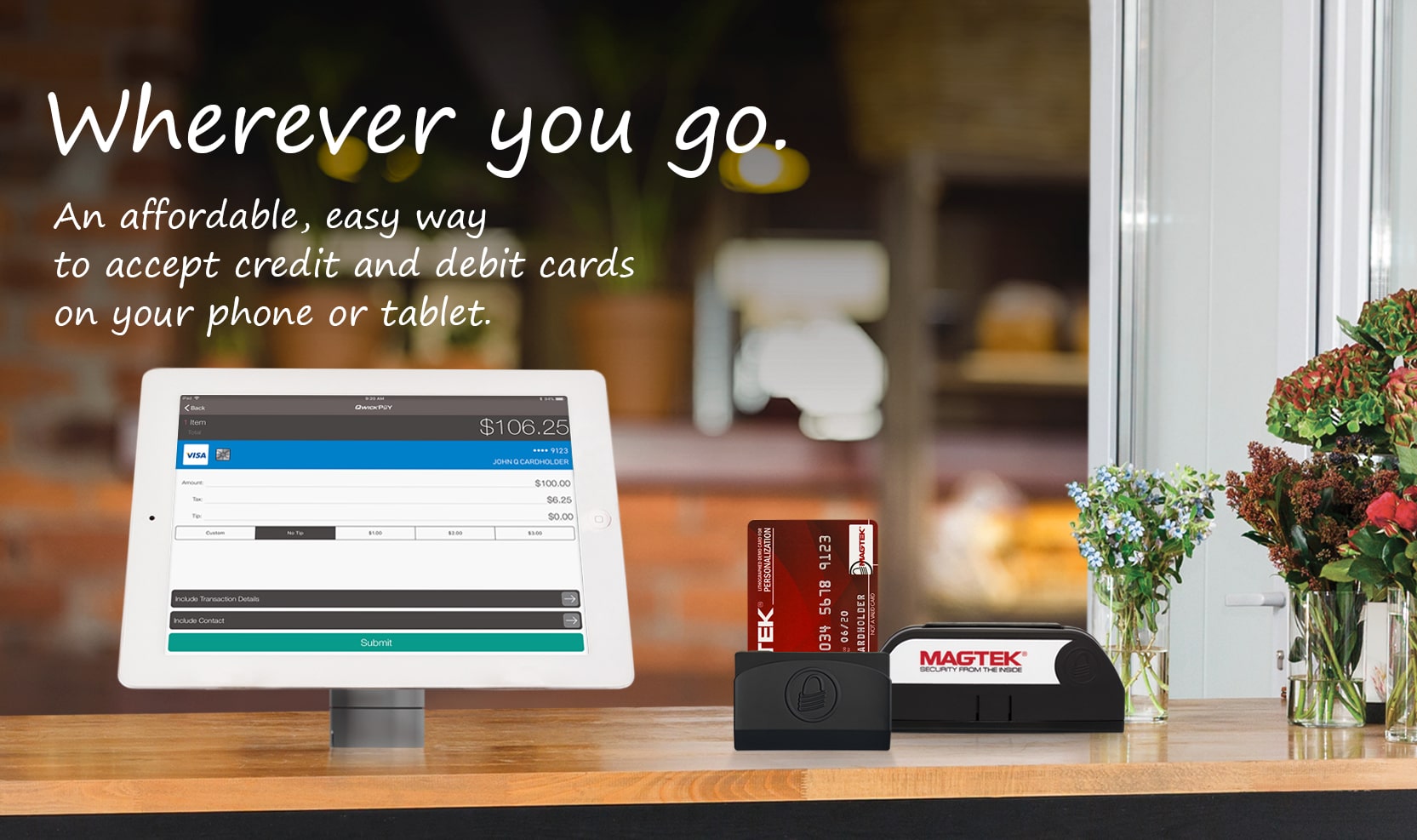
Accept credit and debit cards on the spot using your Apple or Android mobile device or your PC. Connect the card reader, open the app, swipe/dip a card and send the receipt. You’ve just made a sale and the funds are on their way to your bank account.
Get QwickPAY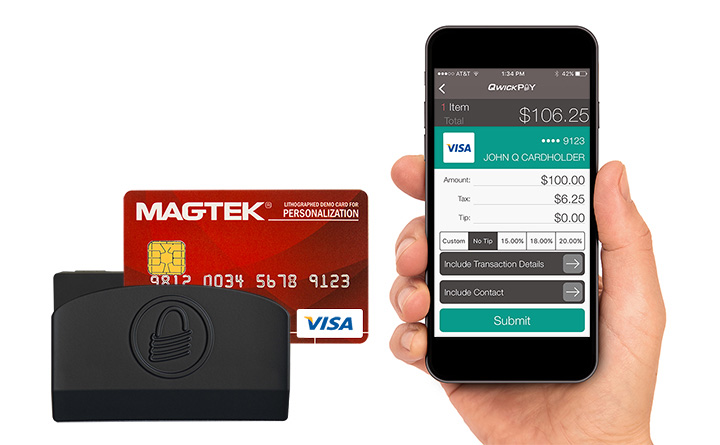
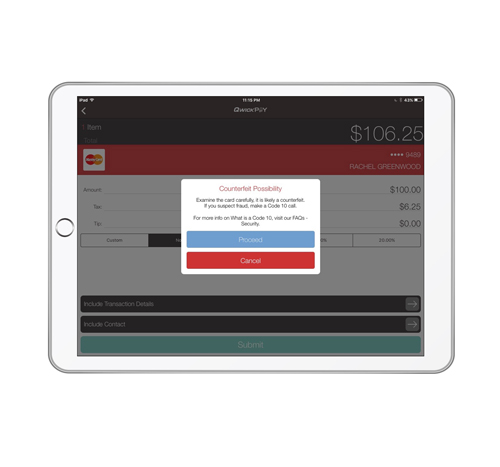
Counterfeit credit and debit cards are on the rise and you shouldn’t have to pay for it. QwickPAY can identify fake cards and give you the ability to stop fraud at the point of swipe, before the sale is processed. And your customer’s sensitive card data is always encrypted at the point of swipe, so it's never in the clear.
About QwickPAYAll your data is safely stored in the cloud, where you can easily view and print your sales reports, transaction data, and saved receipts.
Information at your fingertips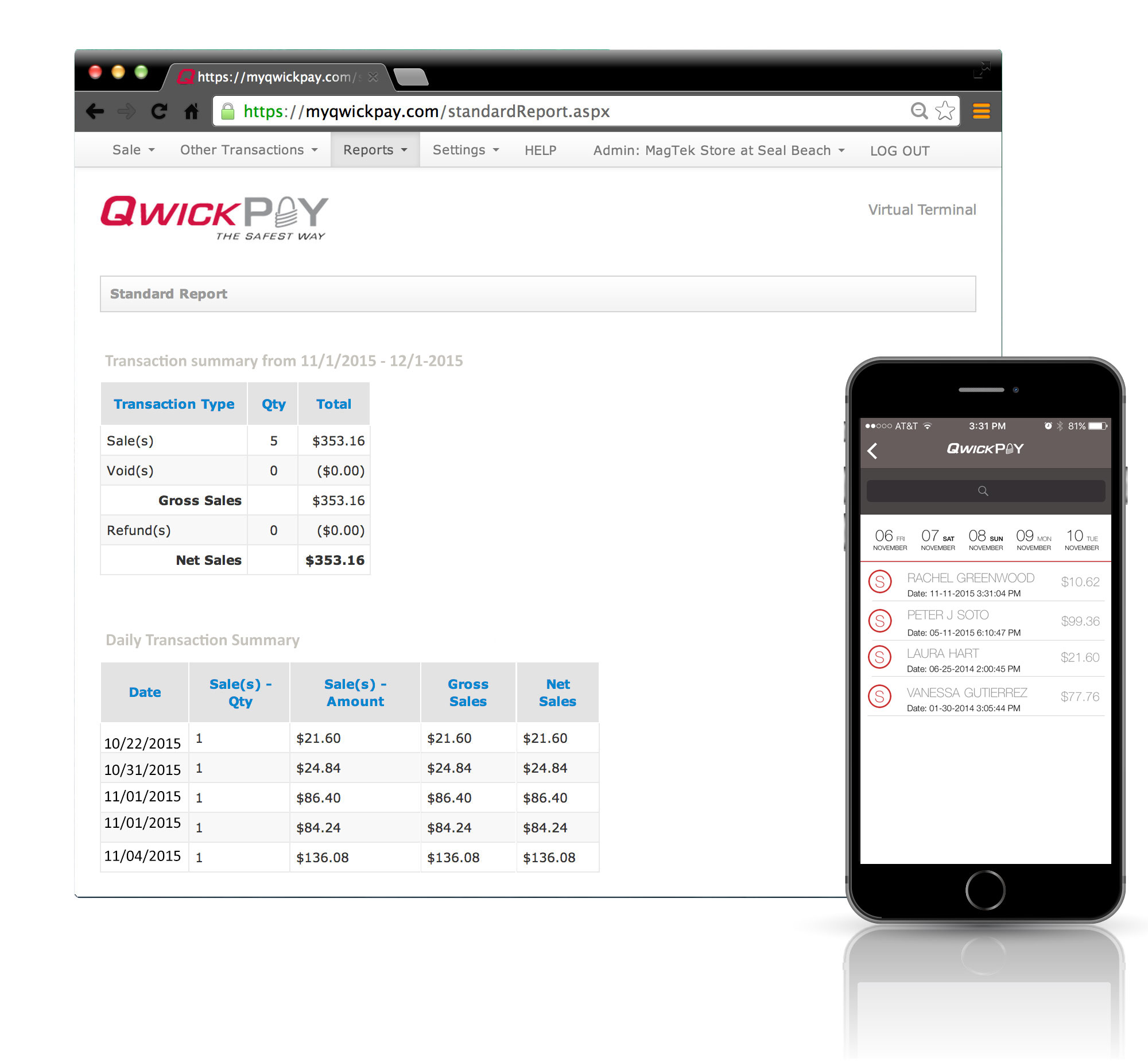
Acceptance is dependent on select processors.